C:\LAB\TOTERACK> build.exe /fit
Tote Rack Builder.
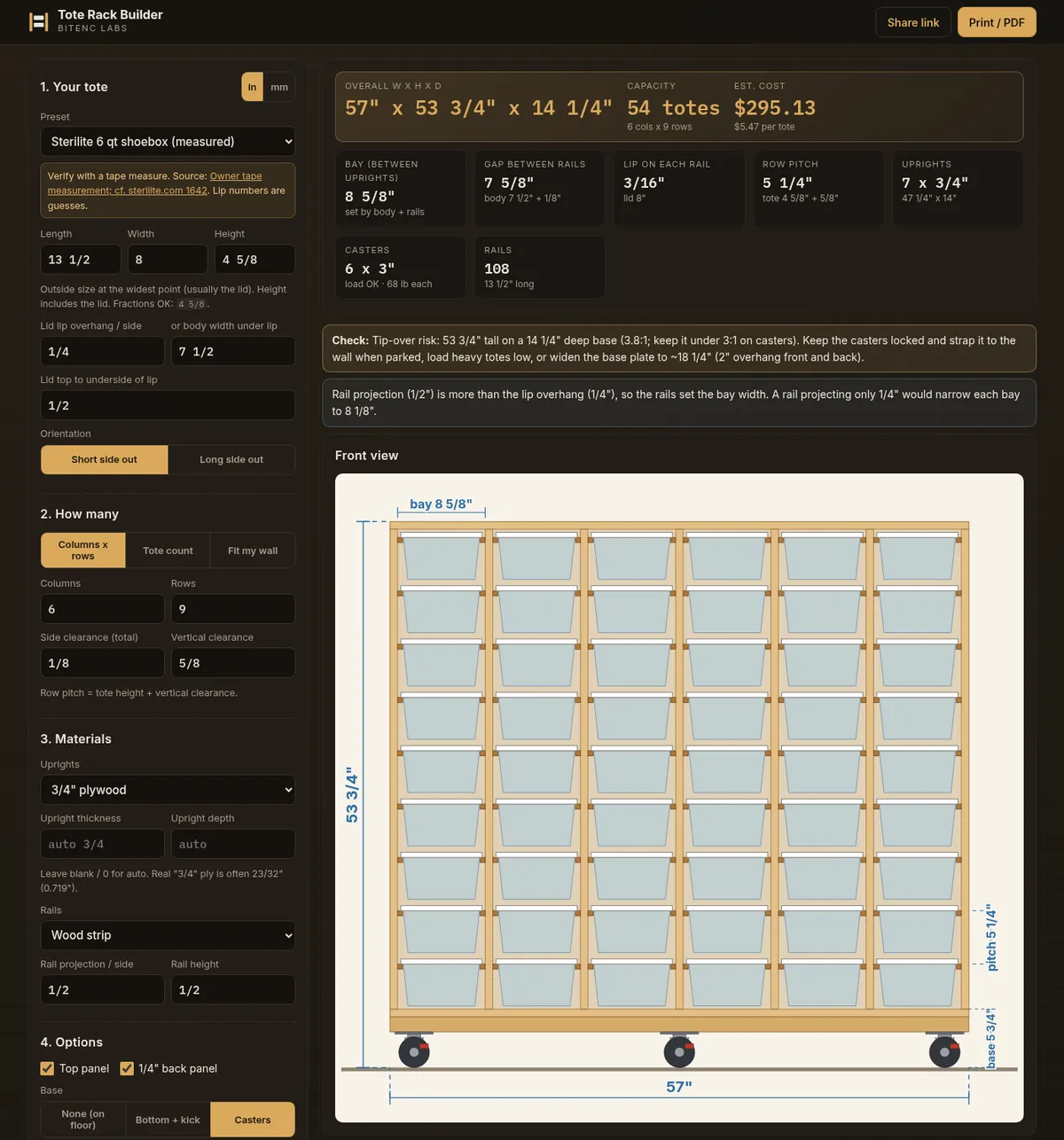
Tell it what bins you have. It designs a rail-style rack that fits them — with measured drawings, a cut list, and a shopping estimate. Free, runs in your browser, no account.
// Why it exists
Fifty-some bins and nowhere to put them.
My home office runs on Sterilite parts bins — fifty-plus of them, full of screws, connectors, filament bits and everything else. Stacking them meant unstacking them every time I needed the one on the bottom.
The DIY tote racks people build from Home Depot lumber fix that: the bin’s lip rides on a pair of rails and slides out like a drawer. The catch is the math. Every bin is a slightly different size, and a 1/8″ miss means the totes either jam or fall through.
So I wrote a tool to do the math for me, then kept going until it drew the plans, too.
// What it does
From tape measure to cut list.
- Enter tote dimensions in inches or mm, or start from a preset: Sterilite 6, 16, 32 and 66 qt, HDX 27 gal, IKEA SAMLA
- Size it by columns × rows, tote count, or fit it to a wall
- Solid plywood or 1x3 / 1x4 / 2x4 ladder-frame uprights; plywood or 1x frame top and bottom
- Kick base or casters, with a load check
- Rail stock picker, including no-table-saw molding options and 3D-printed clips (.scad / .stl)
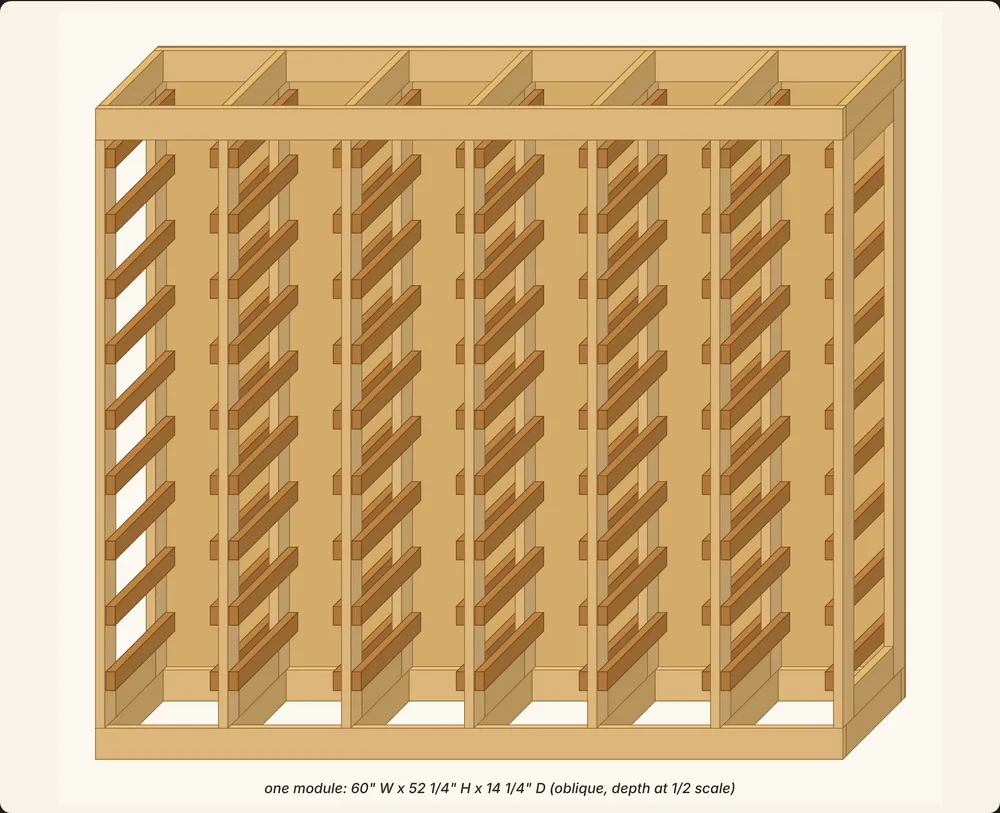
- Measured front, side, top and rail drawings plus a 3D view, with SVG download
- Cut list, sheet and board packing, hardware list
- Editable Home Depot cost estimate, CSV export, print / PDF, and a share link
// Try it
Measure one bin. Get a whole rack.
Grab a tape measure, pick your tote (or type it in), and see what it builds. Nothing to install. Share the link when you want a second opinion.
Measure twice, cut once. The tool checks the math; your saw doesn’t.