C:\LAB\WORKBENCH> build.exe /bench
Workbench Builder.
Pick a size and a style. It hands back the drawings, the cut list, the shopping list, and the build steps for a sturdy workbench you can make with a circular saw and a drill. Free, runs in your browser, no account.
// Why it exists
A bench is easy. The cut list is not.
Every garage needs a solid bench, and most plans online are for somebody else’s size. Yours needs a different length, a different height, and ideally as few boards as possible.
So the tool does the arithmetic: which 2x4s to buy, how to pack the cuts into 8 ft boards and 4x8 sheets, what size every piece is, which screw goes where, and what it should cost at the lumber aisle.
It also tells you when a design will wobble, and what to do about it.
// What it does
From tape measure to shopping cart.
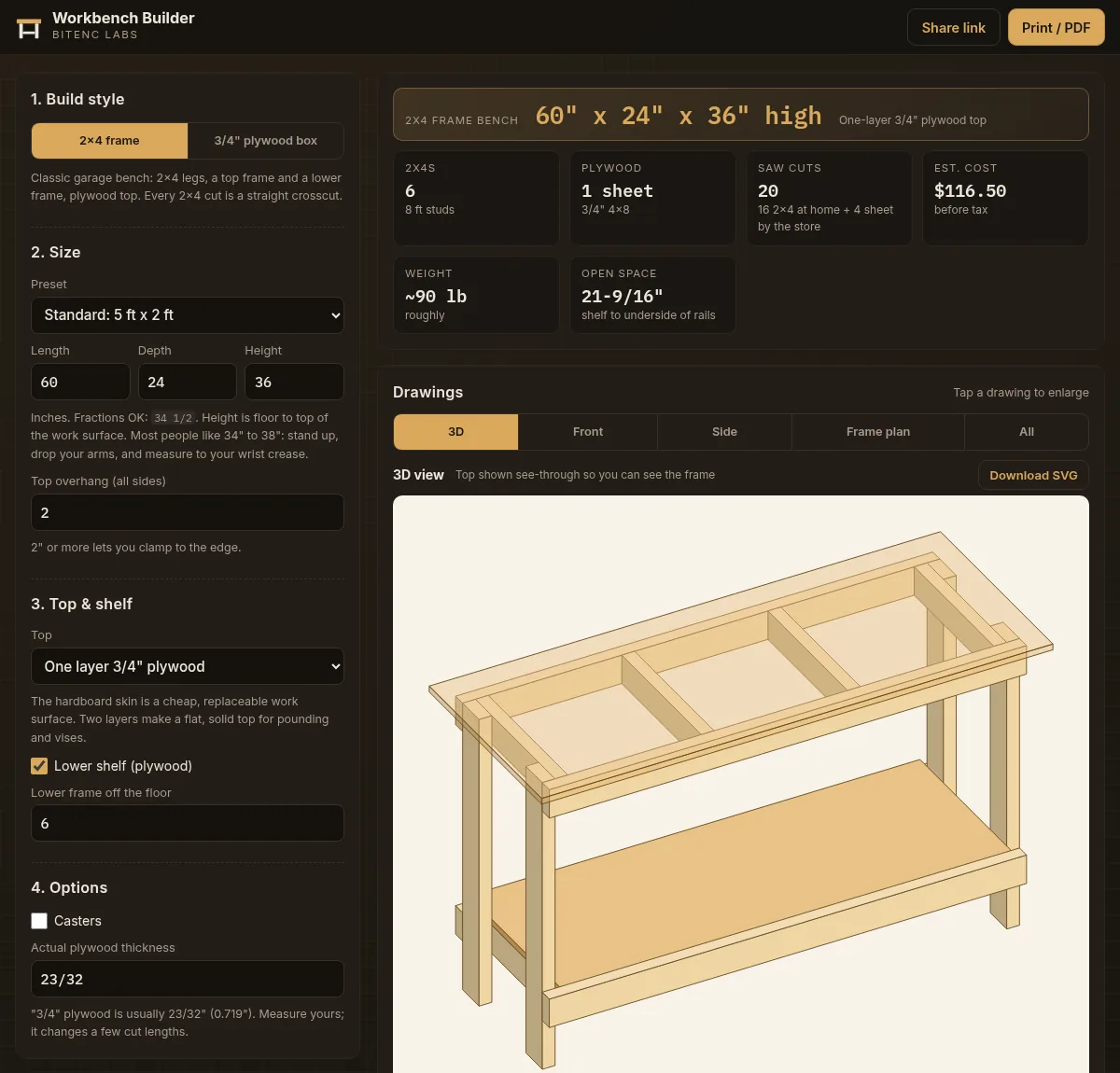
- Any length, depth, and height, typed as 34 1/2, 3′ 2″, or whatever you measure
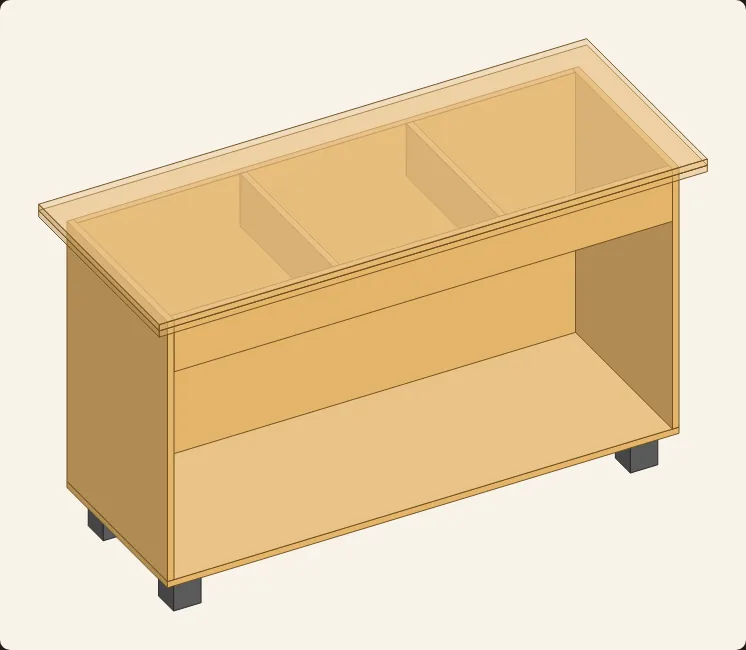
- Two builds: a 2x4 frame with plywood top (single legs, or glued doubled legs that make a 3 × 3-1/2 in. post), or an all-plywood box
- One or two plywood layers, or a replaceable hardboard skin
- Optional lower shelf, back panel, and locking casters
- Drawings from every side: 3D, front, side, and frame plan, with SVG download
- Cut list, 2x4 and sheet cutting plans, and a cut sheet for the store’s panel saw
- Hardware list with screw lengths checked against the wood they go into
- Racking warnings, an editable cost estimate, CSV export, print / PDF, and a share link
// Try it
Measure the wall. Get a bench.
Pick your size, choose a build, and see what it takes. Nothing to install. Share the link when you want a second opinion.
Measure twice, cut once. The tool checks the math; your saw doesn’t.